
Golden Crown App for Android and iOS
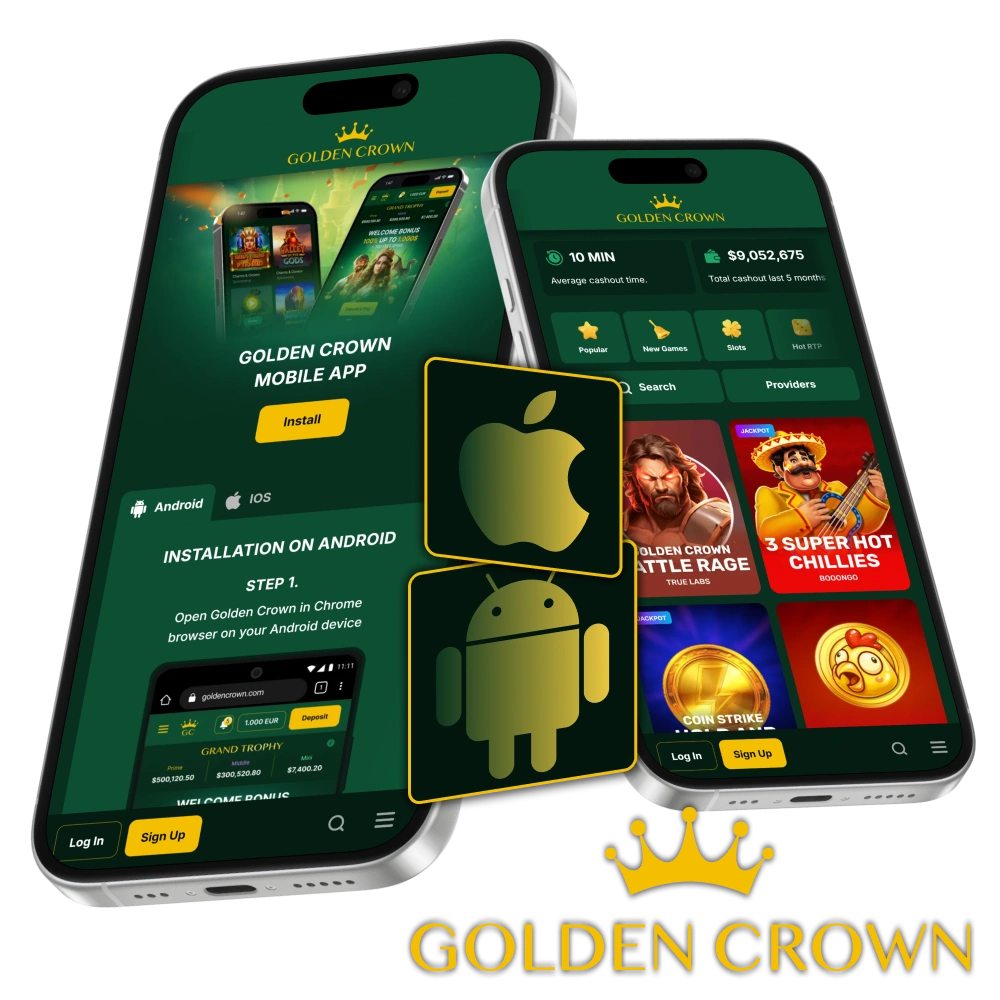
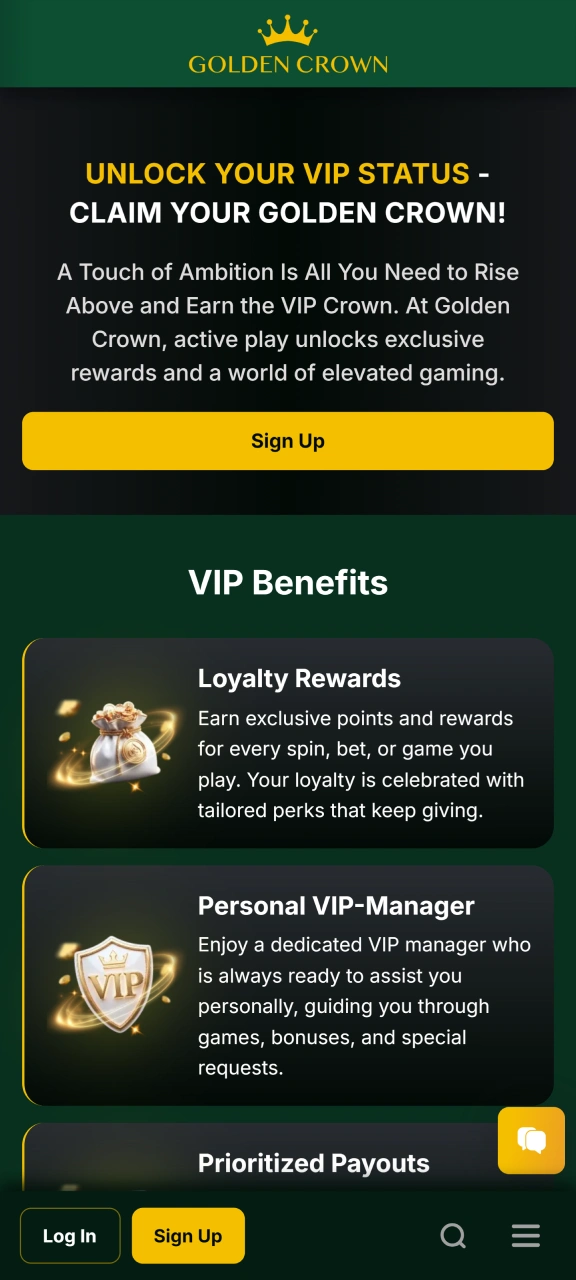
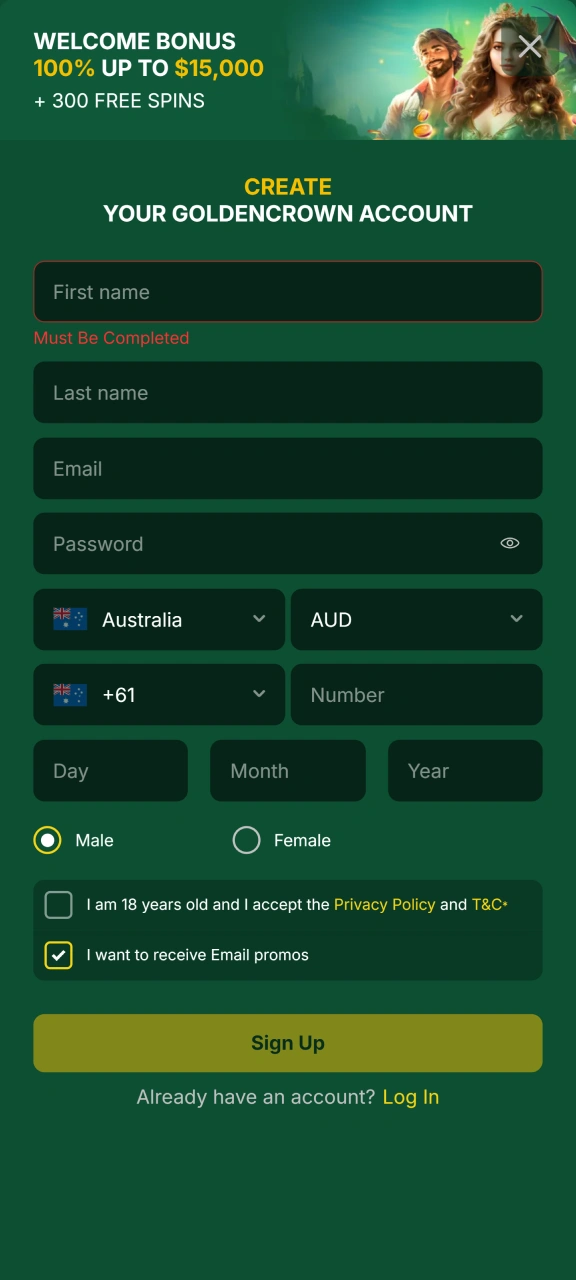
The Golden Crown native app is currently in development, but Australian players can access the full platform right now through the Progressive Web App (PWA). No APK download required, no waiting. Open the site, add it to your home screen, and you are ready to play.
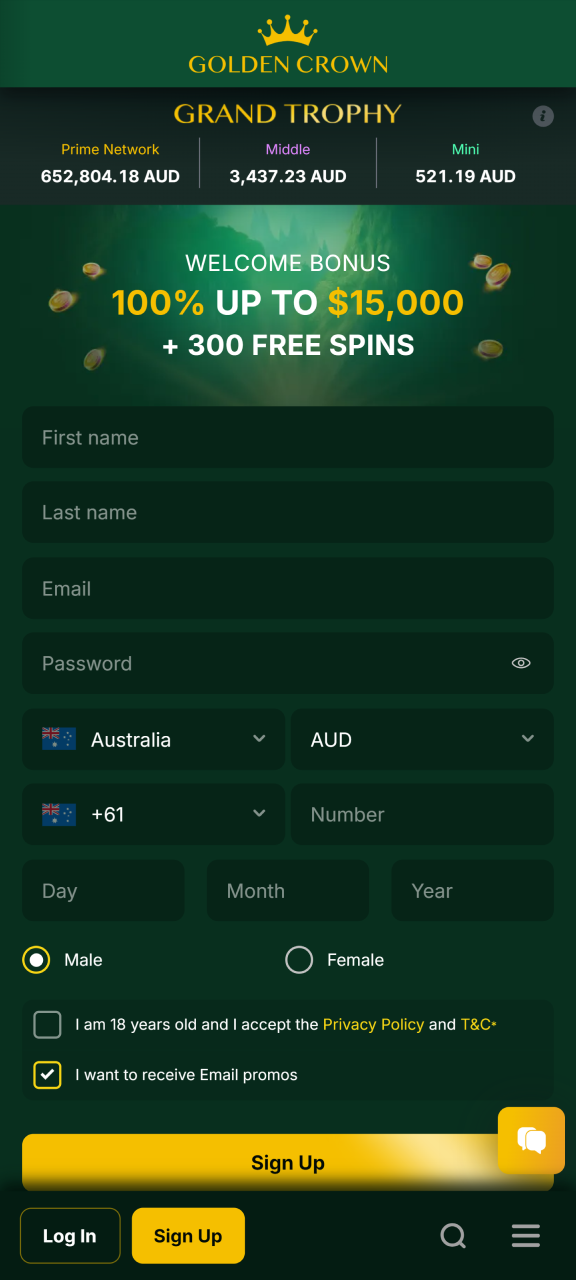
Register today and claim your welcome offer: 100% up to $15,000 AUD + 300 Free Spins on your first deposit.
Golden Crown App at a Glance
Golden Crown gives Australian players access to thousands of casino games through a fast, mobile-optimised platform. The PWA works across Android and iOS without needing an app store download. Below is a quick summary of everything you need to know before getting started.

| App Type | Progressive Web App (PWA) |
| App Size | No storage required (browser-based) |
| Last Updated | Automatically updated in real time |
| Welcome Bonus | 100% up to $15,000 AUD + 300 Free Spins |
| Supported Languages | English |
| Payment Methods | Visa, Mastercard, Neosurf, MiFinity, AstroPay, Skrill, Bitcoin, Ethereum, Tether (USDT) |
| Promo Code | Available |
| Licence | Curacao eGaming |
| Currency Support | AUD |
| Customer Support | 24/7 Live Chat and Email |
How the Golden Crown App Interface Works
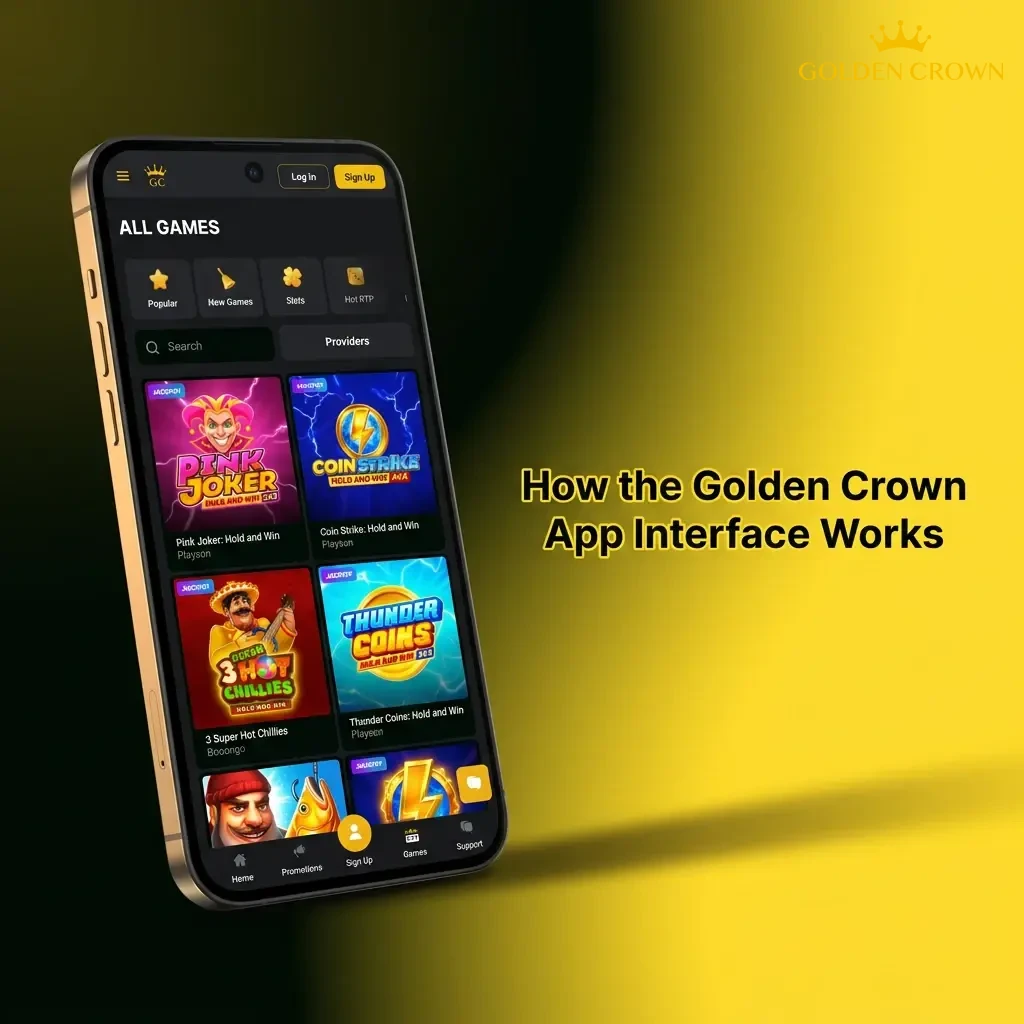
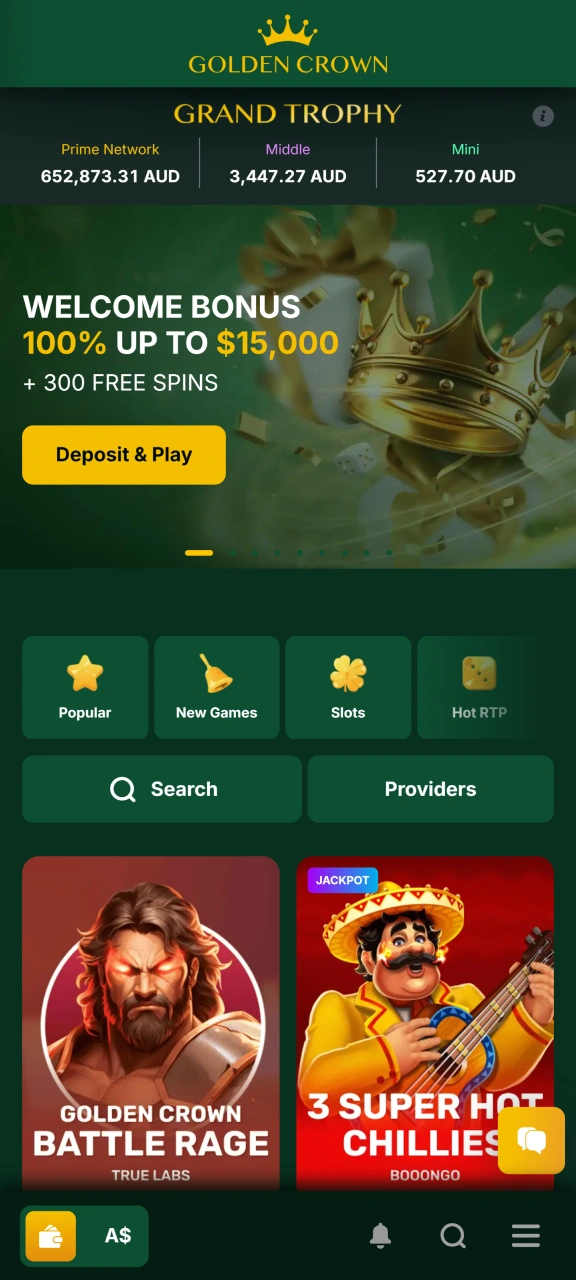
The Golden Crown PWA is built around a clean, mobile-first layout that puts casino games, account tools, and promotions within a single tap. Navigation is straightforward: the main menu keeps all key sections organised, so you move between live casino, and cashier without losing your place.
Buttons are sized for touch input, load times are fast on Australian mobile networks, and the interface adjusts automatically whether you are on a phone or tablet.
How to Get the Golden Crown App on Android (PWA)
Android users do not need to sideload an APK or adjust any security settings. The Golden Crown PWA installs directly from this page in three simple steps.
Tap the Download Button Below
Tap the “Download Android App” button on this page. It will open the Golden Crown mobile site in your default browser, where you will see a prompt to add the app to your home screen.
Create Your Account
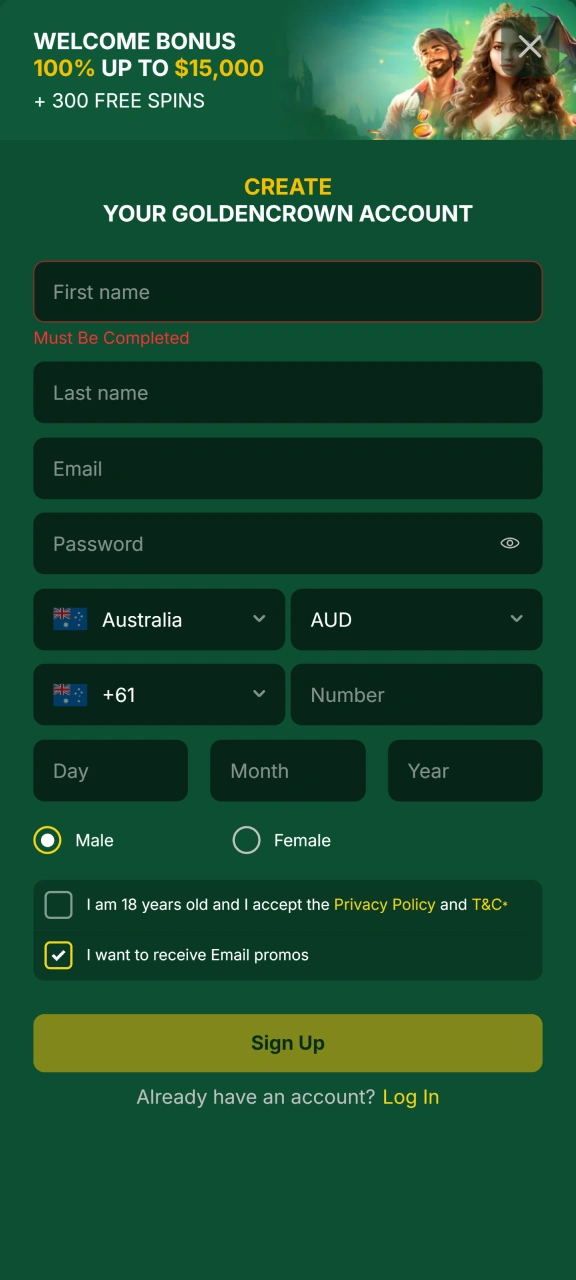
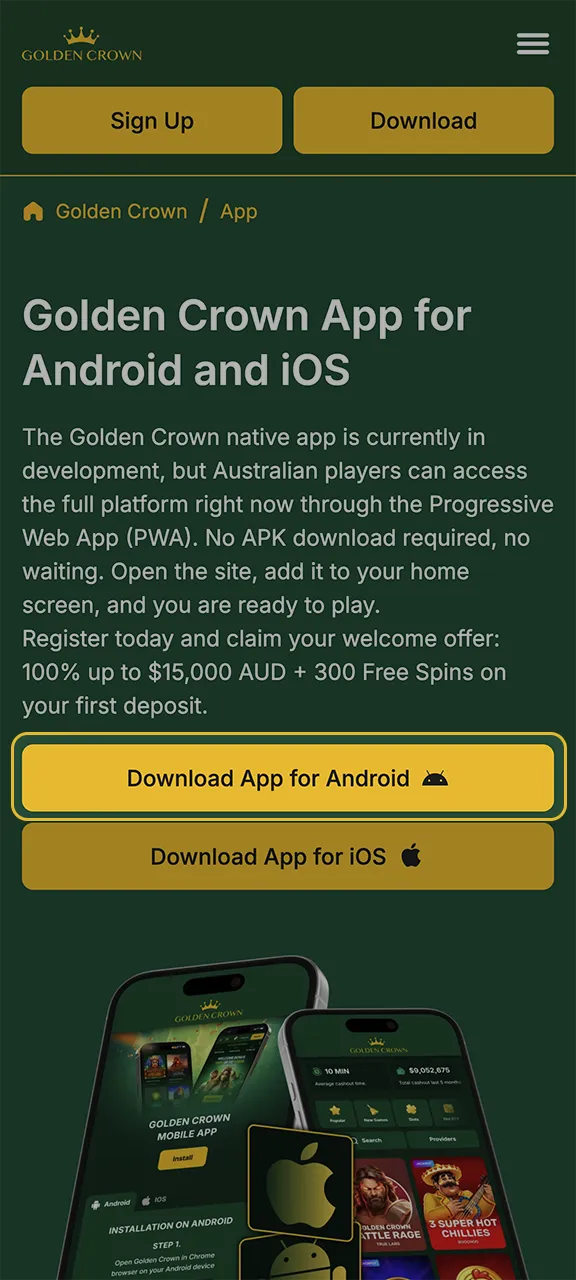
Fill in your details on the registration form, including your name, email address, date of birth, and preferred currency (AUD). Verify your email to activate your account and access your welcome bonus.
Start Playing Through the Web Version
Once registered, the PWA works exactly like a native app from your home screen. Tap the Golden Crown icon, log in, and access the full casino library instantly. No updates to manage, no storage used.
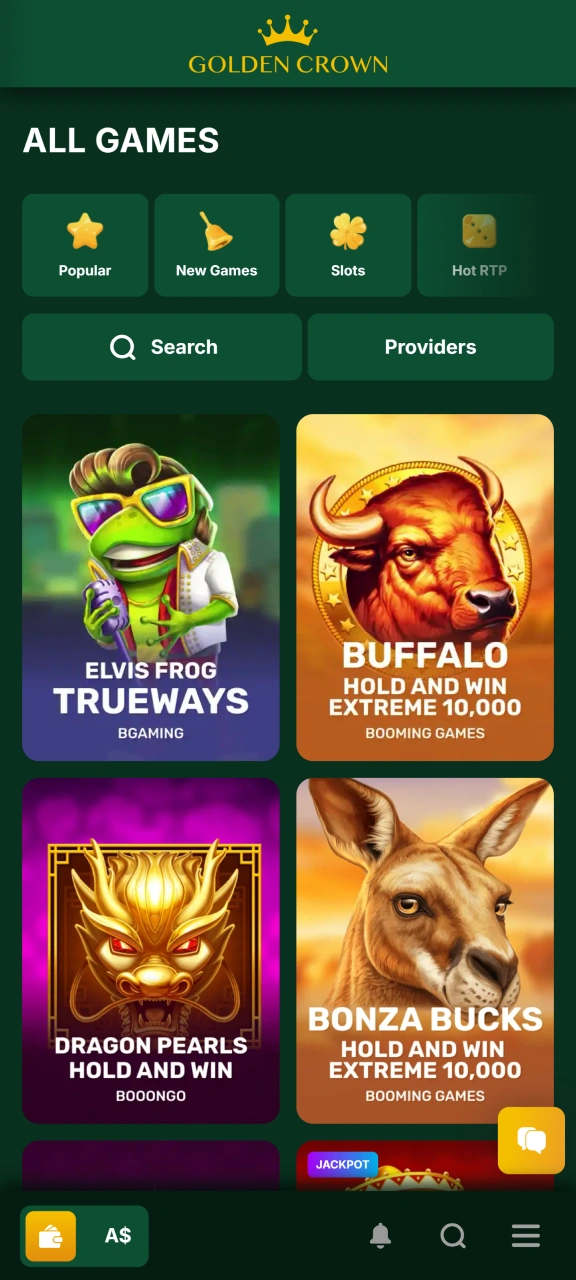
Minimum System Requirements for Android Devices
The Golden Crown PWA runs in any modern Android browser, so hardware requirements are low. If your device meets the following specs, it will handle the platform without any issues.
| Requirement | Minimum Specification |
|---|---|
| Operating System | Android 7.0 (Nougat) or higher |
| CPU Frequency | 1.4 GHz dual-core or better |
| RAM | 2 GB |
| Storage | Not required (browser-based) |
| Browser | Chrome 80+ or Firefox 80+ |
| Internet Connection | 4G / stable Wi-Fi recommended |
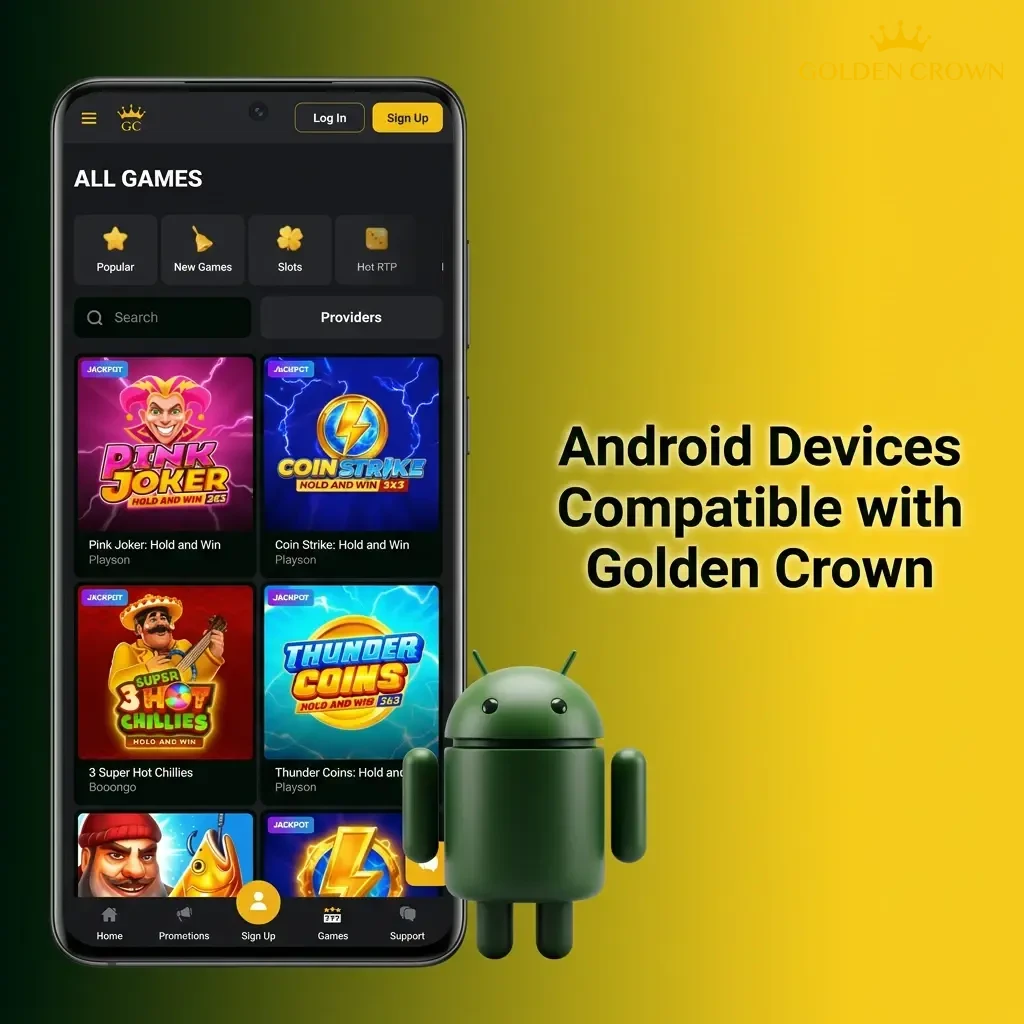
Android Devices Compatible with Golden Crown
Most Android phones released in the last five years will run the Golden Crown PWA without any performance issues. The following devices have been confirmed as compatible:
- Samsung Galaxy S21;
- Samsung Galaxy A54;
- Samsung Galaxy S23;
- Google Pixel 6;
- Google Pixel 7;
- OnePlus 10 Pro;
- Oppo Reno 8;
- Xiaomi Redmi Note 11;
- Motorola Edge 30;
- Sony Xperia 10 IV.
If your device runs Android 7.0 or later and has at least 2 GB of RAM, it is fully supported.
How to Get the Golden Crown App on iPhone or iPad (PWA)
Apple devices support the Golden Crown PWA through Safari. The process takes under two minutes and does not require the App Store. Follow these four steps to add it to your home screen.
Tap the Download Button Below
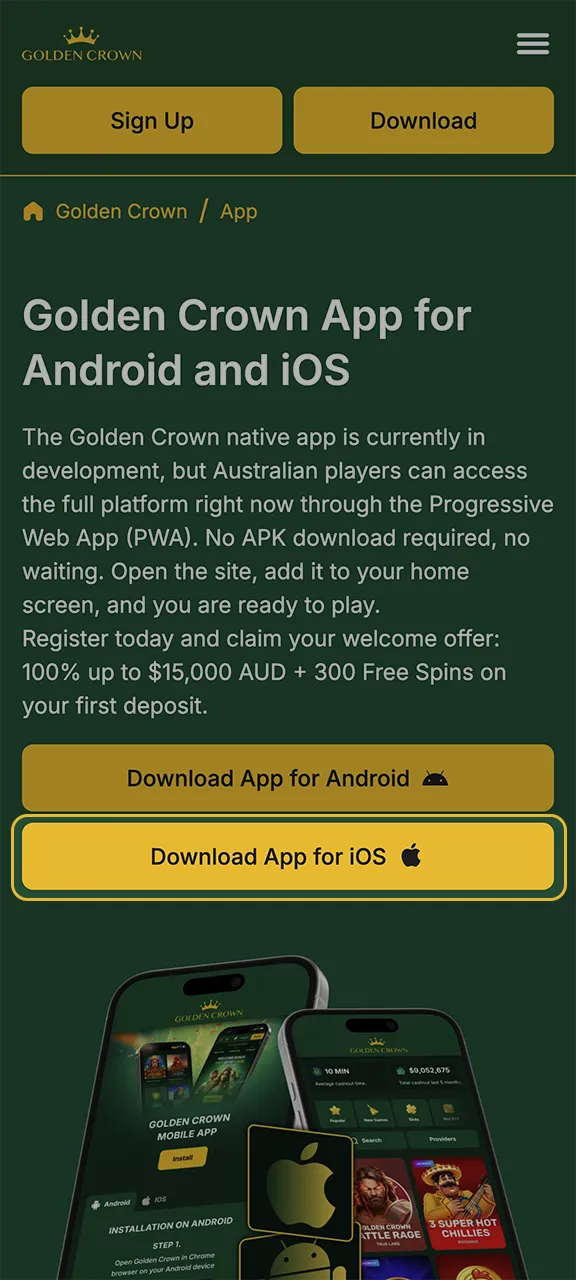
Tap the “Download App for iOS” button on this page. The Golden Crown mobile site will open in Safari on your iPhone or iPad, ready to be installed as a PWA.
Create Your Account
Complete the registration form with your personal details and choose AUD as your currency. Confirm your email address to activate your account and qualify for the welcome bonus.
Tap the Share Button in Safari
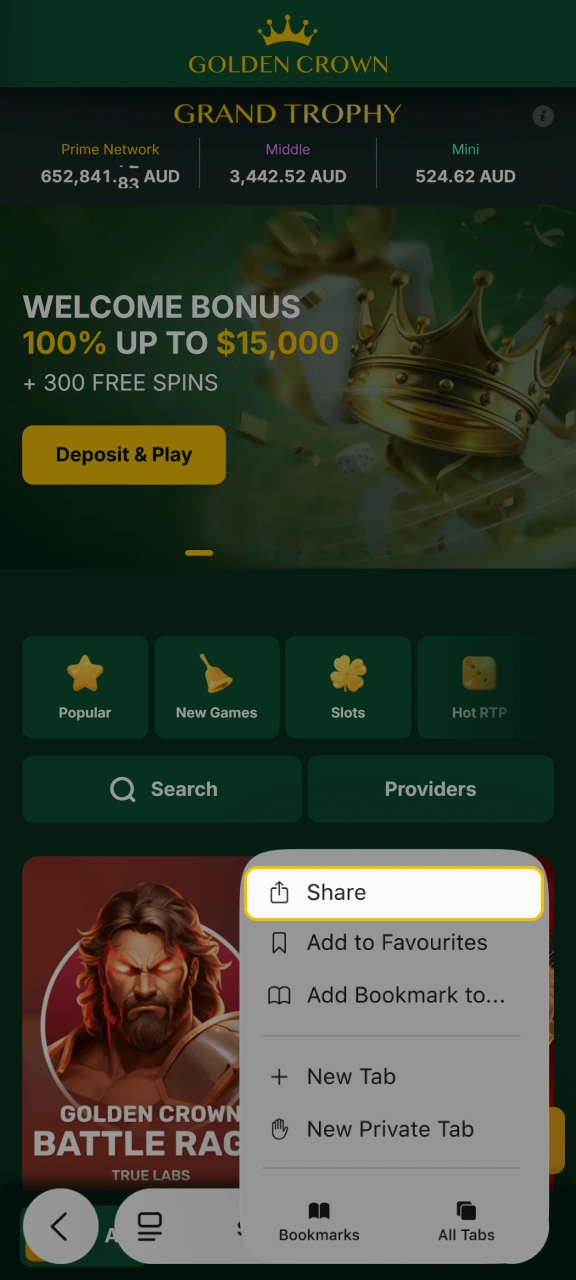
In Safari, tap the Share icon at the bottom of the screen (the box with an arrow pointing upward). This opens a menu of browser options.
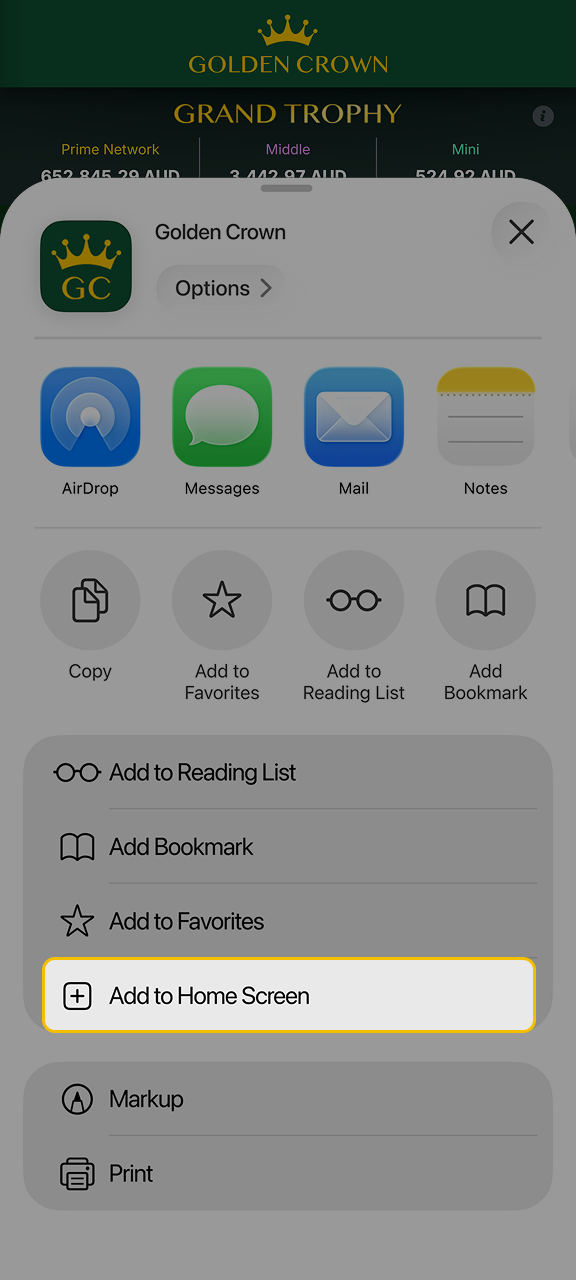
Tap Add to Home Screen
Scroll through the share menu and tap “Add to Home Screen”. Give the shortcut a name if you wish, then tap “Add”. The Golden Crown icon will appear on your home screen and open directly to the platform.
Minimum System Requirements for iOS Devices
Golden Crown runs through Safari on iOS, which means performance depends on your operating system and device age rather than a separate app install. The table below outlines what is needed.
| Requirement | Minimum Specification |
|---|---|
| Operating System | iOS 13.0 or higher |
| Processor | Apple A9 chip or later |
| RAM | 2 GB |
| Browser | Safari (latest version recommended) |
| Storage | Not required (browser-based) |
| Internet Connection | 4G / stable Wi-Fi recommended |
iOS Devices Compatible with Golden Crown
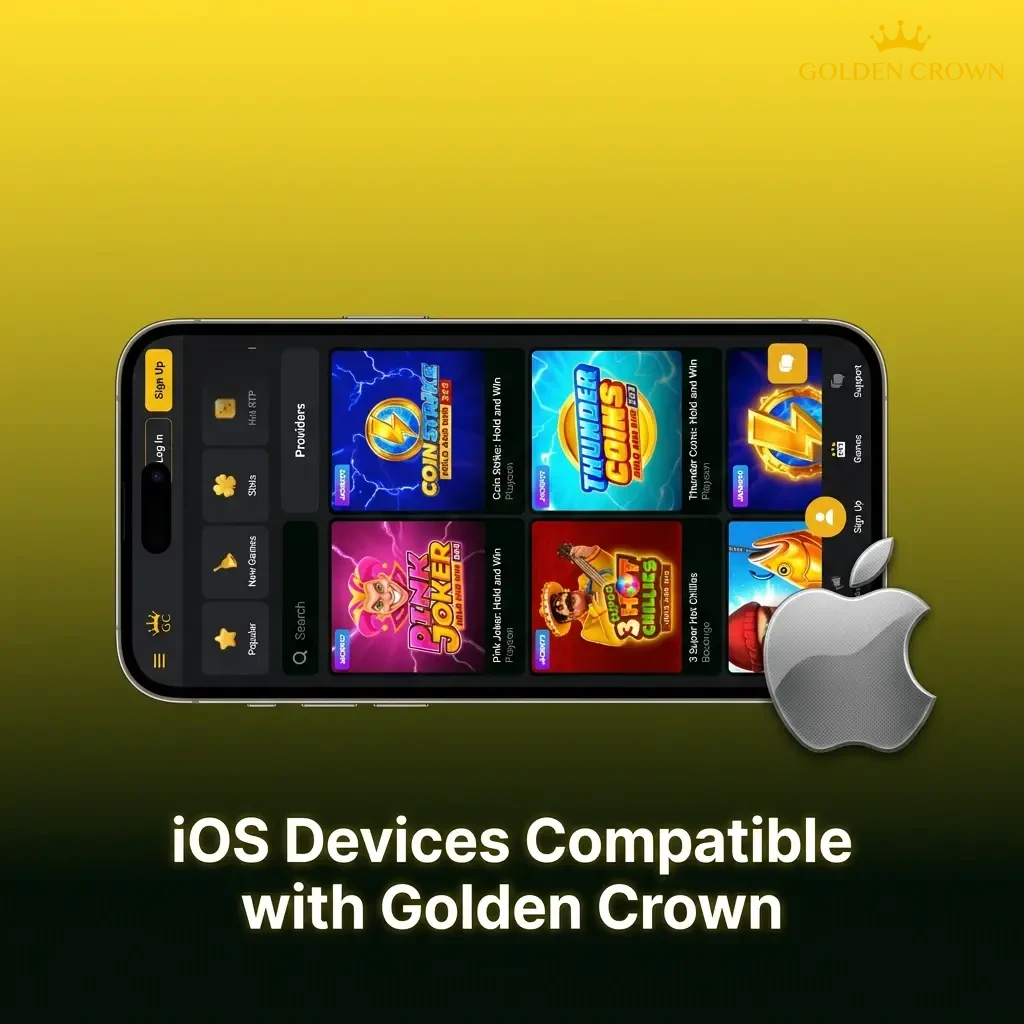
The Golden Crown PWA runs on all iPhones and iPads that support iOS 13 or later. The following models are confirmed compatible:
- iPhone 11;
- iPhone 12;
- iPhone 13;
- iPhone 14;
- iPhone 15;
- iPhone SE (2nd generation);
- iPhone SE (3rd generation);
- iPhone XR;
- iPad Air (4th generation);
- iPad Pro (12.9-inch, 4th generation);
- iPod Touch (7th generation).
For the best experience, keep Safari updated to its latest version.
Welcome Bonuses Available After Installing Golden Crown
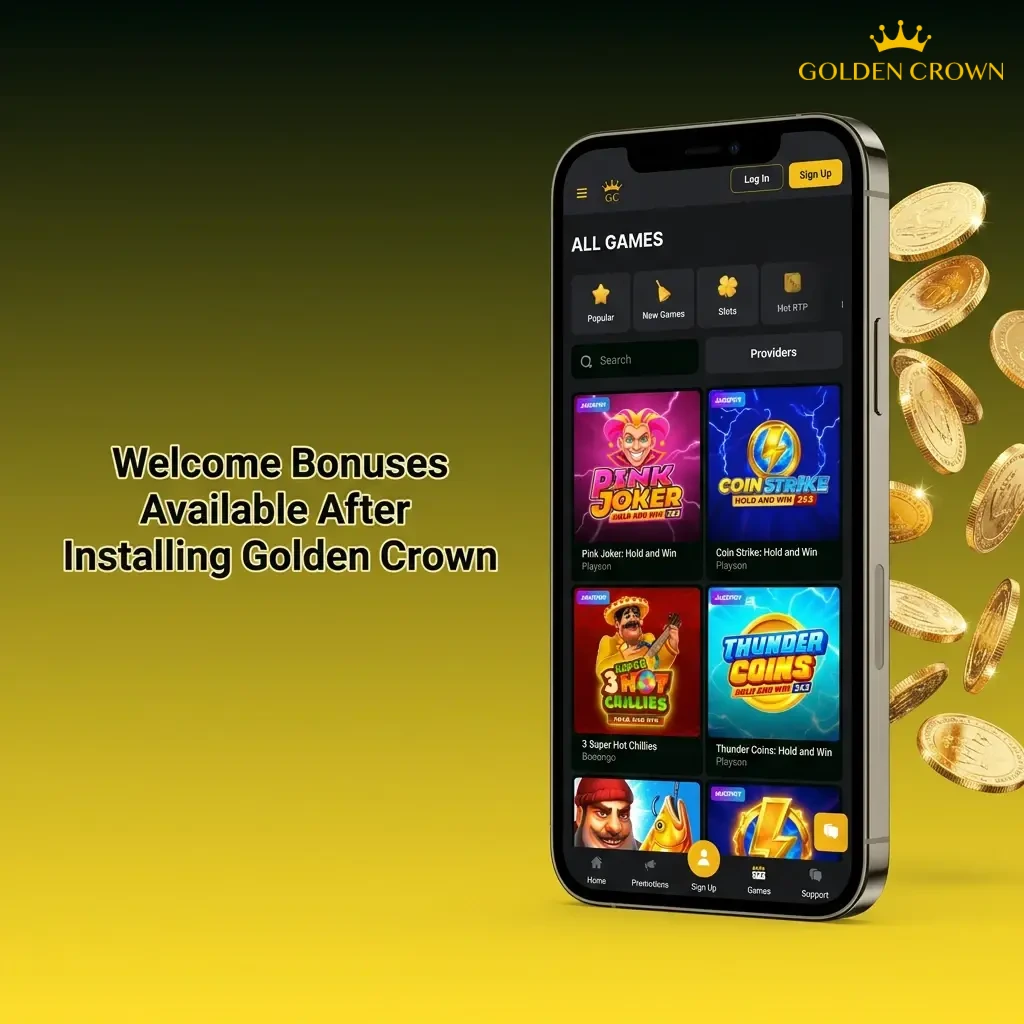
New players who register through the Golden Crown platform can claim a multi-part welcome bonus across their first deposits. The bonus is available to all eligible Australian accounts.
- Casino Welcome Bonus: 100% match bonus up to $15,000 AUD on your first deposit
- Free Spins: 300 Free Spins awarded on qualifying slot titles
- Promo Codes: Additional bonus codes can be applied during registration or deposit for extra rewards
- Ongoing Promotions: Reload bonuses, cashback offers, and tournament prizes are available to existing players
Wagering requirements and terms apply. Check the promotions page for current conditions before claiming.
Casino Games Available on the Golden Crown App
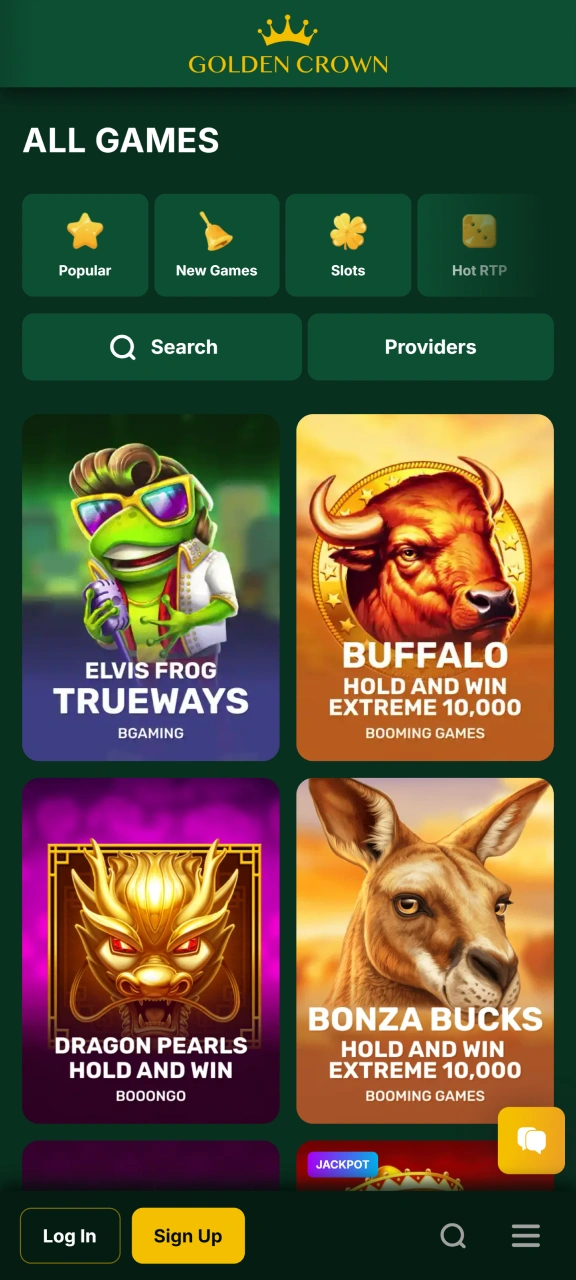
Golden Crown offers thousands of real-money casino games from leading software providers including Pragmatic Play, Evolution Gaming, NetEnt, and Play’n GO. The full library is accessible through the mobile platform.
- Pokies (Video Slots): Gates of Olympus, Book of Dead, Sweet Bonanza, Big Bass Bonanza
- Live Dealer Games: Live Blackjack, Live Roulette, Live Baccarat, Crazy Time
- Jackpot Pokies: Mega Moolah, Divine Fortune, Major Millions
- Table Games: Blackjack, Roulette, Baccarat, Poker variants
- Instant Win Games: Scratch cards and fast-result titles
- Game Shows: Monopoly Live, Dream Catcher, Deal or No Deal Live
How to Register a Golden Crown Account on Mobile
Creating an account takes a few minutes and can be completed entirely through the mobile platform. Follow these steps to get started.
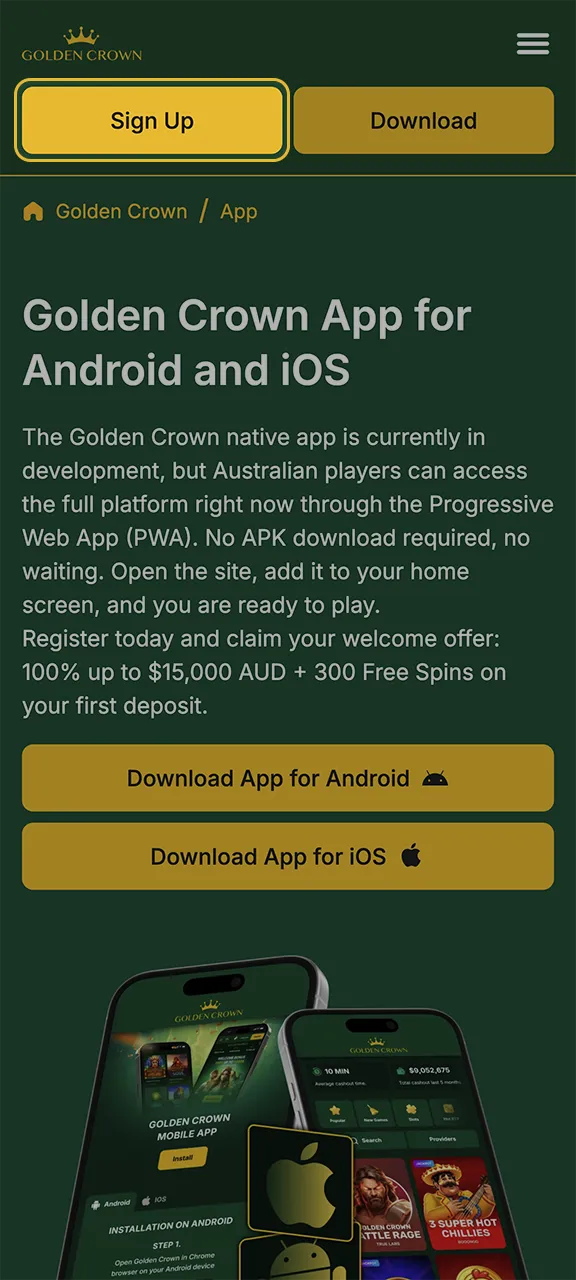
Open the Registration Page
Tap the “Register” button on this page. The registration form will open directly in your mobile browser.
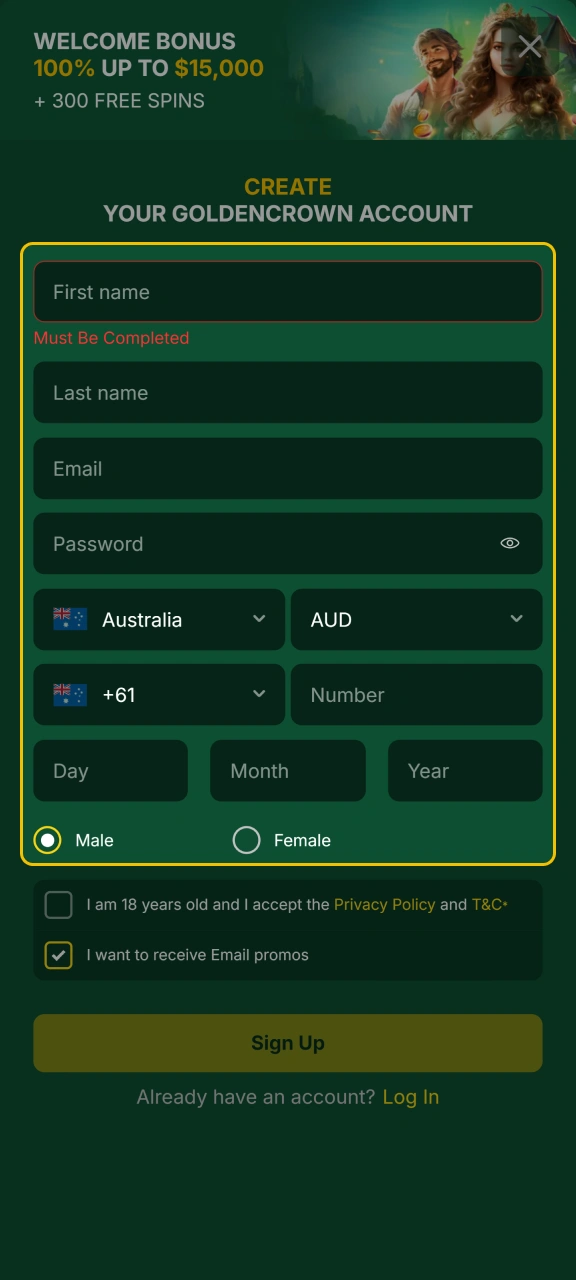
Enter Your Personal Details
Fill in your full name, email address, date of birth, and residential address. Choose AUD as your preferred currency to ensure your balance displays in Australian dollars.
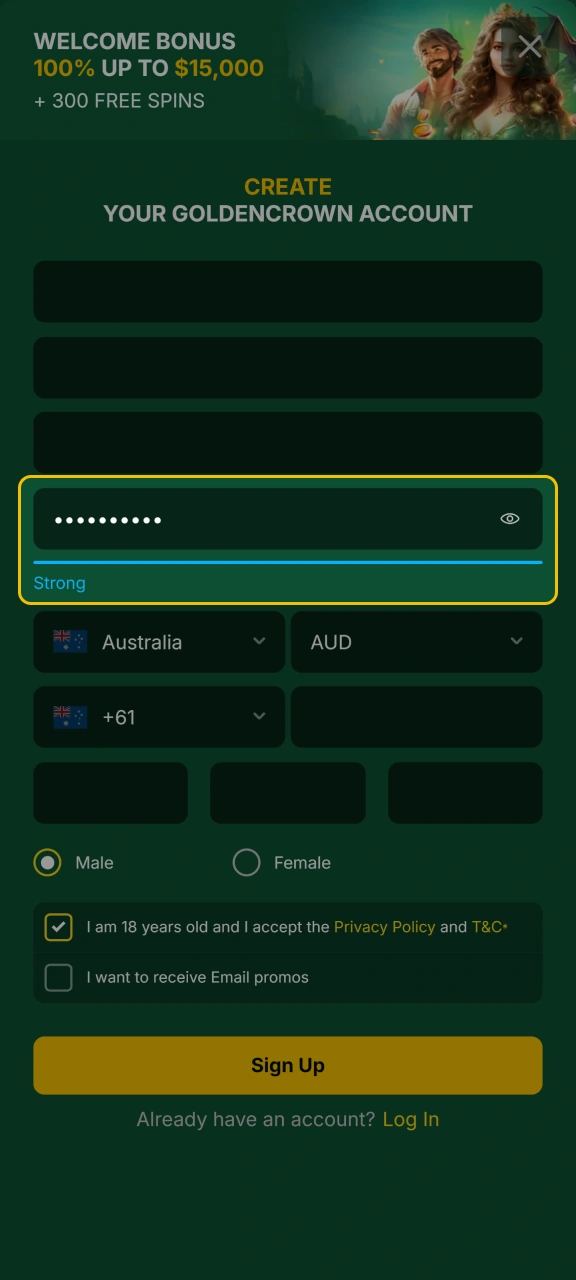
Set Your Login Credentials
Create a secure password for your account. You may also enter a promo code at this stage if you have one.
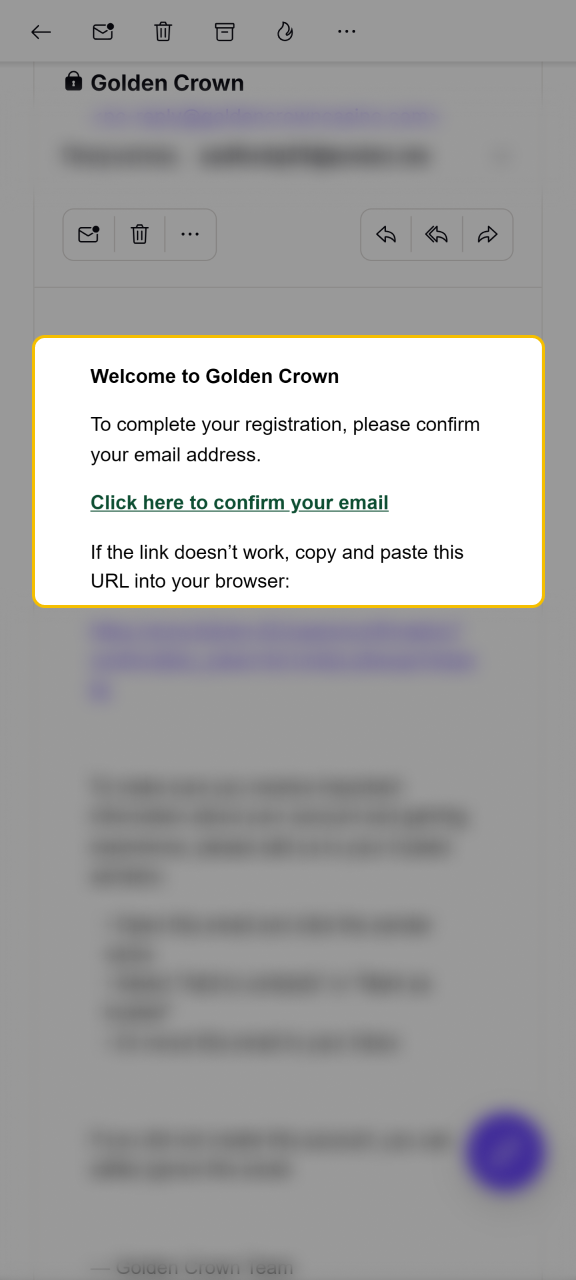
Verify Your Email Address
Check your inbox for a verification email from Golden Crown. Tap the confirmation link to activate your account.
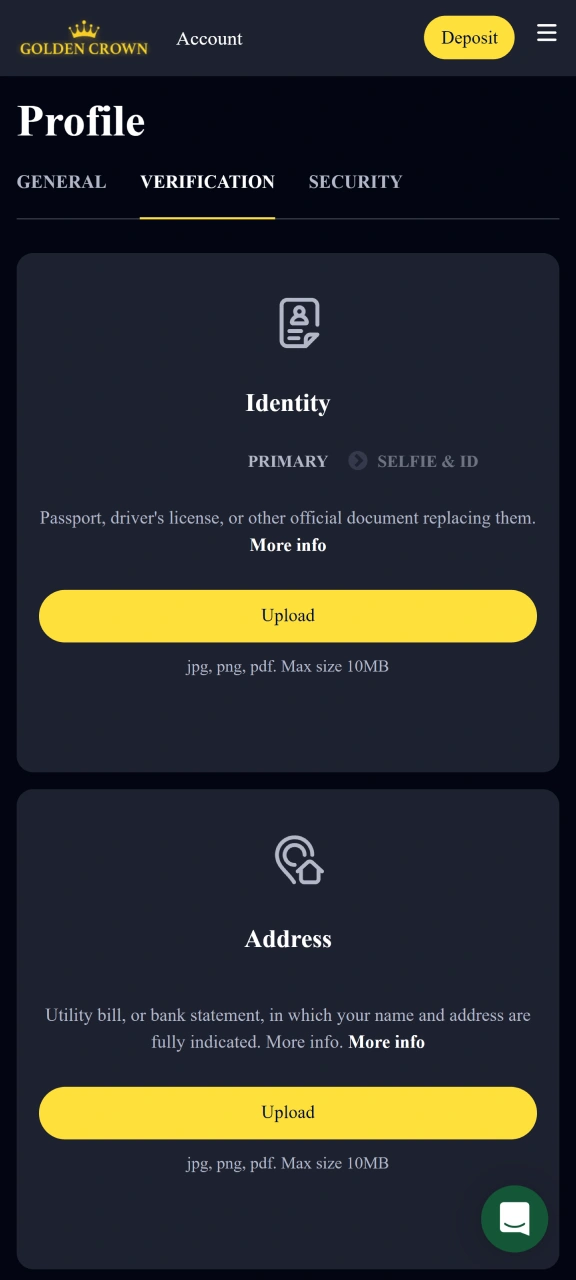
Complete Identity Verification
Upload a copy of your ID (such as a driver’s licence or passport) when prompted. This step is required before making your first withdrawal and ensures your account is secure.
How to Log In to Golden Crown on Mobile
Logging in is fast and requires only your registered email and password. Here is how to access your account on any mobile device.
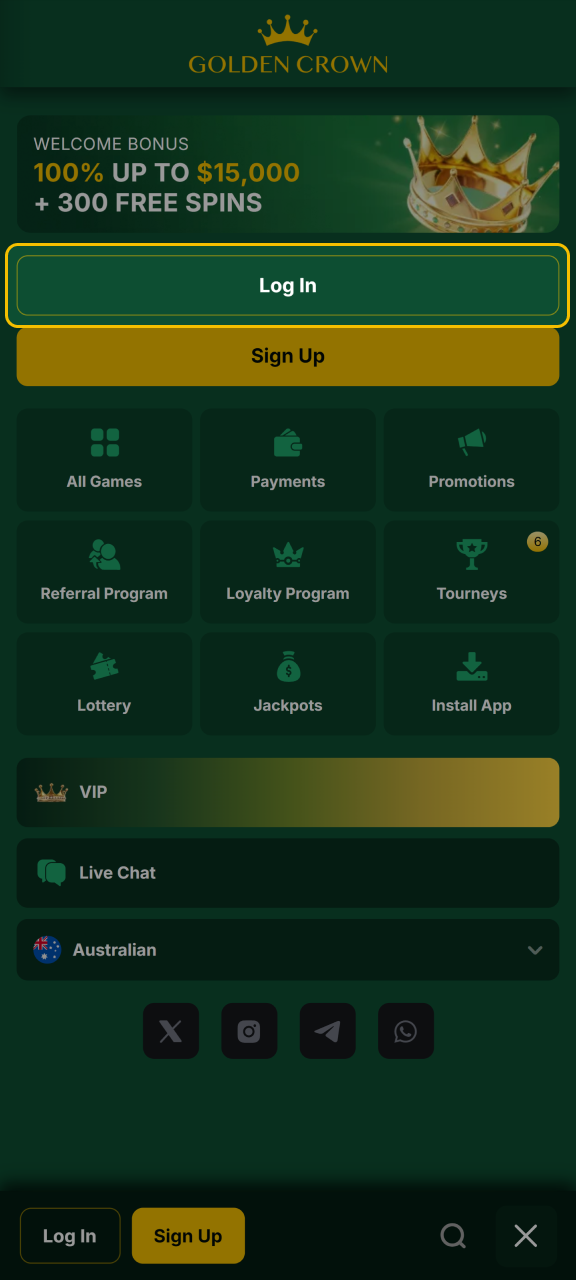
Tap the Login Button on This Page
Tap the “Log in” button at the top of this page. The login screen will open in your mobile browser.
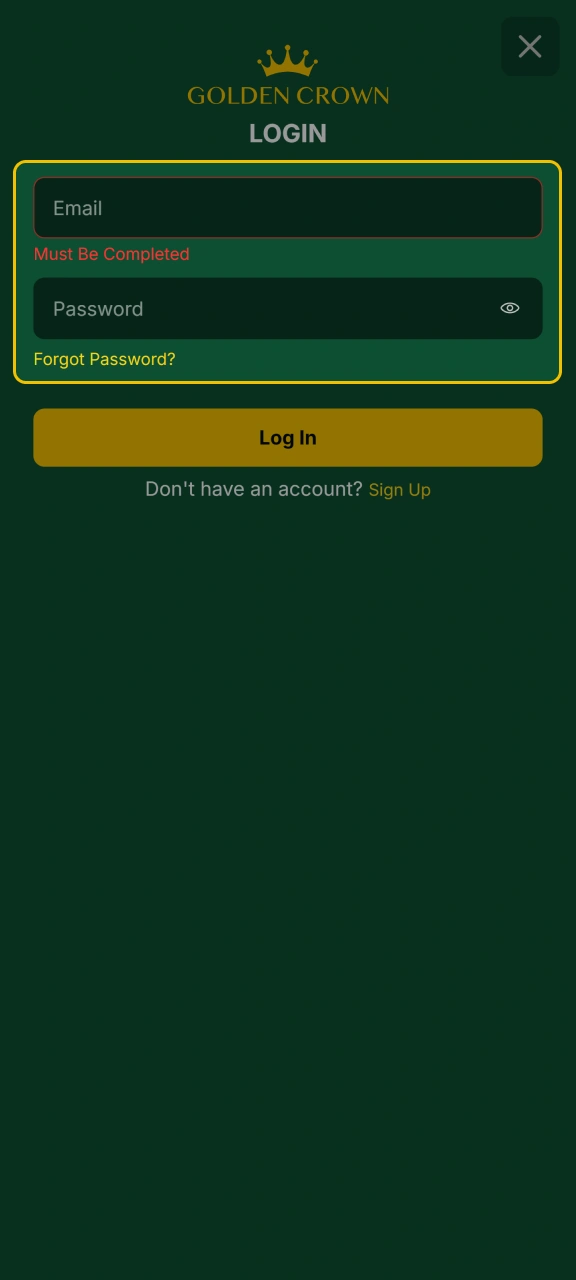
Enter Your Email and Password
Type in the email address and password linked to your Golden Crown account, then tap “Log In” to proceed.
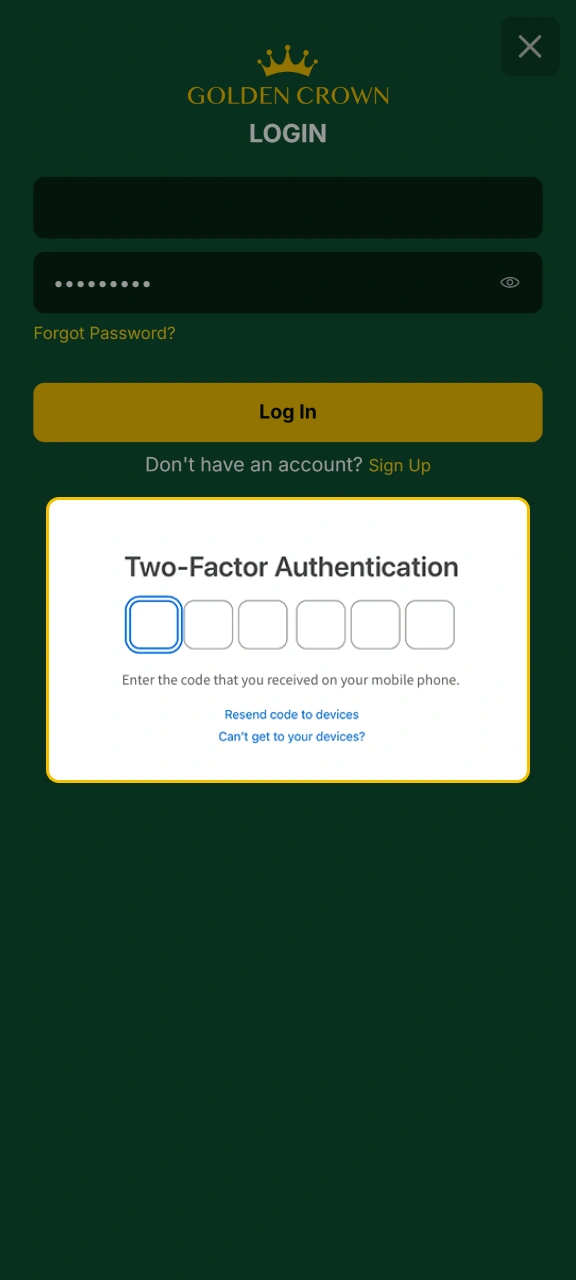
Complete Two-Step Verification (If Enabled)
If you have two-factor authentication active, enter the verification code sent to your email or phone.
Access Your Account Dashboard
You will land on the main dashboard, where you can navigate to the casino, cashier, or promotions immediately.
Keeping the Golden Crown App Up to Date
Because Golden Crown uses a PWA rather than a native app, there is nothing to manually update. Every time you open the platform in your browser, you are automatically running the latest version. No update prompts, no app store visits, and no storage space used.
This means new features, game additions, and security improvements are applied instantly in the background. Australian players always have access to the most current version of the platform without doing anything.
Payment Methods for Golden Crown Mobile Players in Australia
Golden Crown supports a strong range of deposit and withdrawal options tailored for Australian players, including local and crypto methods. Minimum deposits start from $20 AUD and maximum withdrawal limits vary by method, with crypto options typically offering the highest limits.
- Visa;
- Mastercard;
- Neosurf;
- MiFinity;
- AstroPay;
- Skrill;
- Bitcoin (BTC);
- Ethereum (ETH);
- Tether (USDT).
How to Deposit Money via the Golden Crown Mobile Platform
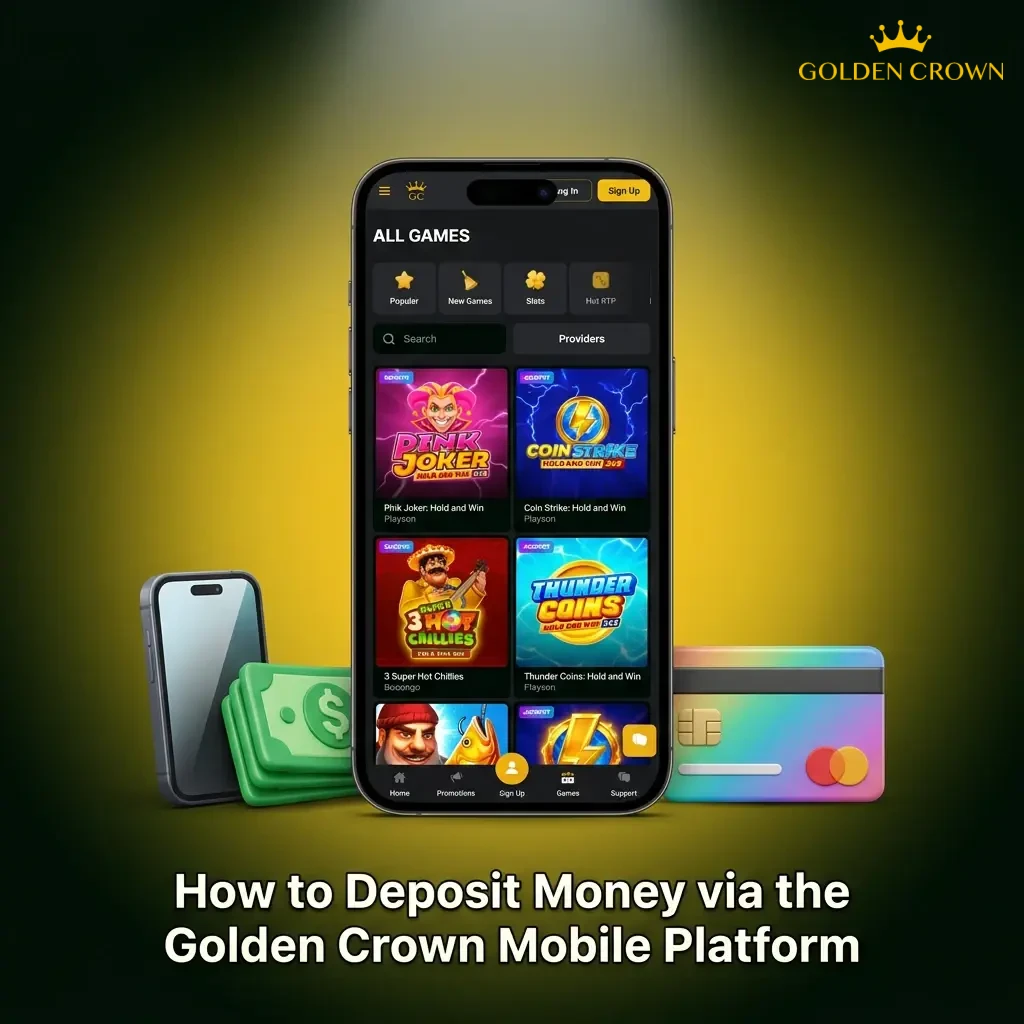
Depositing funds on mobile is quick and takes effect almost instantly for most payment methods.
- Log in to your Golden Crown account and tap the “Deposit” button in the top navigation bar.
- Select your preferred payment method from the list of available options.
- Enter the deposit amount (minimum $20 AUD) and fill in any required payment details.
- Confirm the transaction. Most deposits are credited to your account immediately.
How to Withdraw Your Winnings on the Golden Crown Mobile Platform
Withdrawals are processed through the same cashier section as deposits. Make sure your account is verified before requesting a payout.
- Log in and tap the cashier or account icon, then select “Withdraw”.
- Choose your withdrawal method and enter the amount you wish to cash out.
- Confirm your bank or wallet details, then submit the withdrawal request.
- Processing times vary by method. Crypto withdrawals are typically the fastest, while card transactions may take two to five business days.
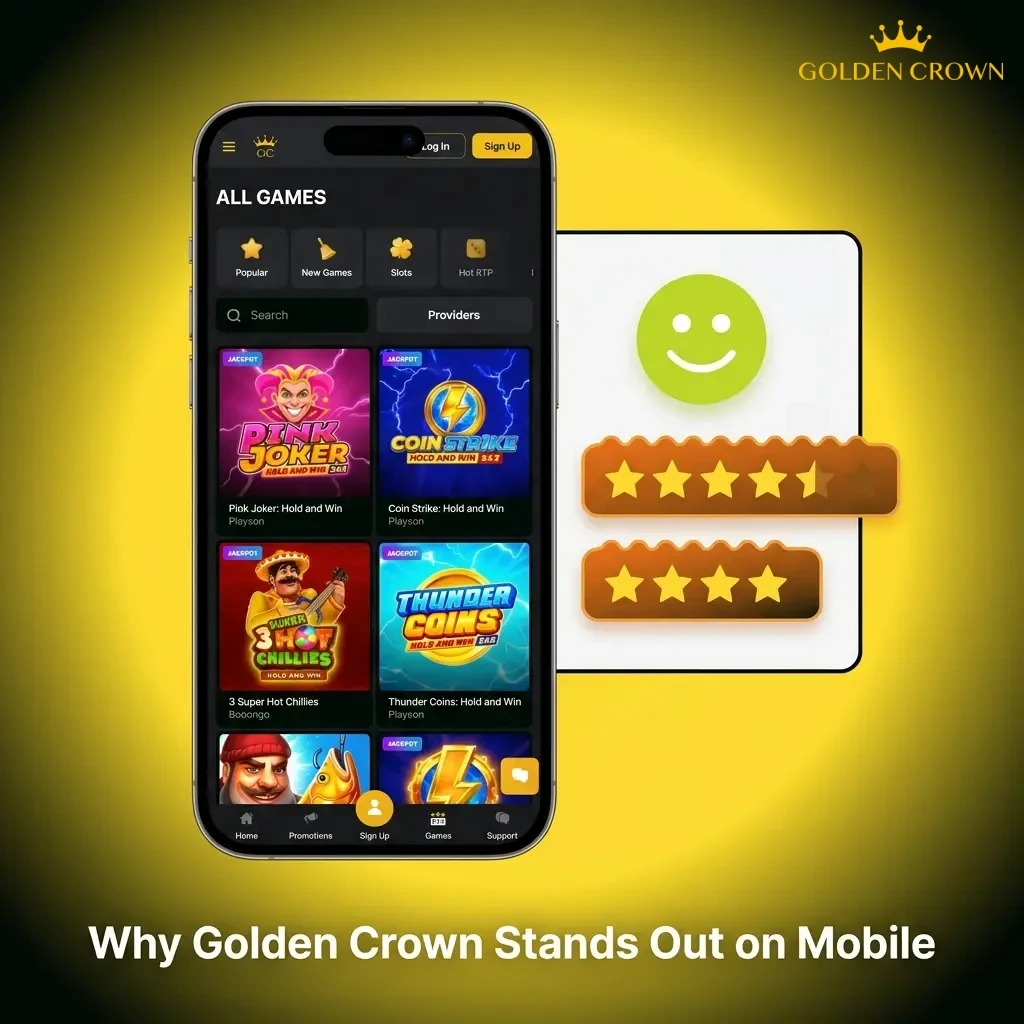
Why Golden Crown Stands Out on Mobile
Golden Crown brings together a strong set of features that matter to Australian players, from payment flexibility to game variety and real-time support.
- AUD Support: Your account balance, bonuses, and transactions all operate in Australian dollars, removing currency conversion fees.
- Local Payment Methods: Neosurf and AstroPay are available alongside major card and crypto options, catering specifically to Australian banking preferences.
- Generous Welcome Offer: New players receive 100% up to $15,000 AUD plus 300 Free Spins on their first deposit.
- Thousands of Casino Games: Titles from Pragmatic Play, Evolution, NetEnt, Play’n GO, and dozens of other top providers are available through mobile.
- No App Store Required: The PWA installs in seconds without storage limits or update management.
- 24/7 Customer Support: Live chat and email support are available around the clock.
- Crypto Payments Accepted: Bitcoin, Ethereum, and Tether give you fast, private transactions with no bank involvement.
Golden Crown Customer Support
Support is available around the clock through the following channels:
- Live Chat: Available 24/7 directly through the mobile site. Tap the chat icon in the corner of any page to connect with a support agent in real time.
- Email Support: Send a detailed query to the Golden Crown support team. Responses are typically delivered within a few hours.
- FAQ / Help Centre: A searchable knowledge base covering account management, bonuses, payments, and technical issues is available on the site.
For account verification, bonus disputes, or urgent payment queries, live chat is the fastest route.
FAQ
Can I use Golden Crown if I am based in Australia?
Golden Crown accepts players from Australia and operates under a Curacao eGaming licence. Australian players can register, deposit in AUD, and place real-money bets and casino wagers through the platform.
What should I do if I forget my password?
Tap “Forgot Password” on the login screen and enter your registered email address. You will receive a password reset link. If you do not see the email, check your spam folder or contact support through live chat.
Can I open more than one account?
No. Golden Crown permits one account per person, household, device, and IP address. Opening multiple accounts is a breach of the terms and conditions and may result in all accounts being permanently suspended.
How do I recover access to a locked or suspended account?
If your account has been locked due to failed login attempts or a verification issue, contact the support team via live chat or email. Be ready to provide identity documents to confirm ownership of the account.
Is my personal and financial information safe on the Golden Crown platform?
The platform uses SSL encryption to protect all data transmitted between your device and the site. Payment details are processed through verified third-party providers and are not stored directly on the platform.
Updated: