
Register with Golden Crown – Create Your Account Today
Creating a Golden Crown account gives you full access to a wide range of casino games. The sign up process is straightforward, offering email option. Once your new account is active, you can deposit and withdraw funds, place bets, and play real-money games on both desktop and mobile. New players in Australia can also claim a welcome bonus of 100% up to 15,000 AUD plus 300 Free Spins after completing the registration process.
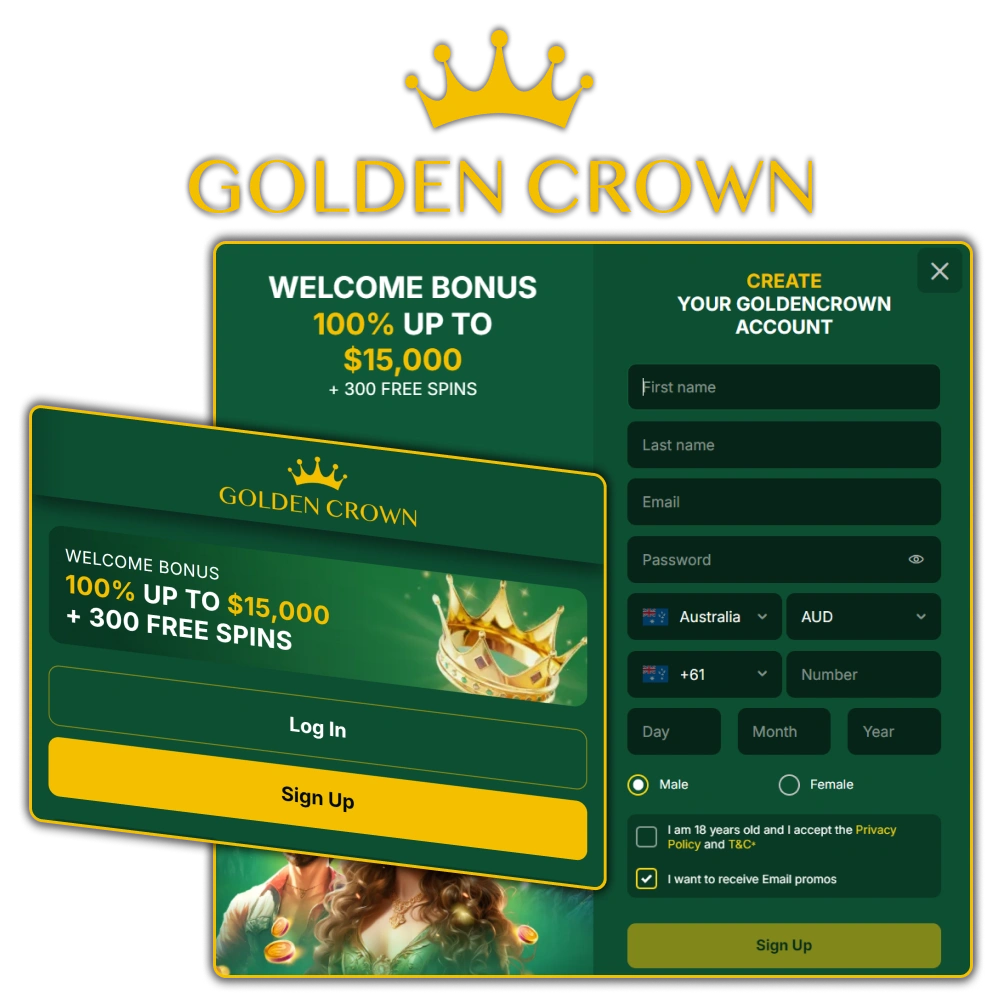
How to Sign Up on Golden Crown?
Email registration allows you to create an account using a standard email address and a password of your choice. This method gives you a login credential that is easy to recover if you ever forget your details.
- Click the “Register” button.
- Enter a valid email address and create a password.
- Fill in the required personal details, including your full name, date of birth, and currency preference.
- Agree to the terms and conditions.
- Click “Create Account” and verify your email address by clicking the confirmation link sent to your inbox.
Create Your Account via the Golden Crown Mobile App
Registering through the Golden Crown mobile app follows the same core process as the desktop site, but is optimised for touchscreen navigation and gives you account access directly from your phone. If a dedicated app is not available for your device, you can use the PWA (Progressive Web App) version, which installs directly from the browser and works like a native app.
- Download the App. Tap the button below to download the app or visit the official site on your mobile browser and install the PWA by selecting “Add to Home Screen” from your browser menu.
- Open the App and Start Registration. Launch the app or PWA, then tap the “Register” button on the main screen.
- Enter Your Personal Details. Fill in the required fields including your name, date of birth, email or phone number, preferred currency, and country of residence.
- Confirm and Access Your Account. Agree to the terms and conditions, submit the form, and log in to your new account.
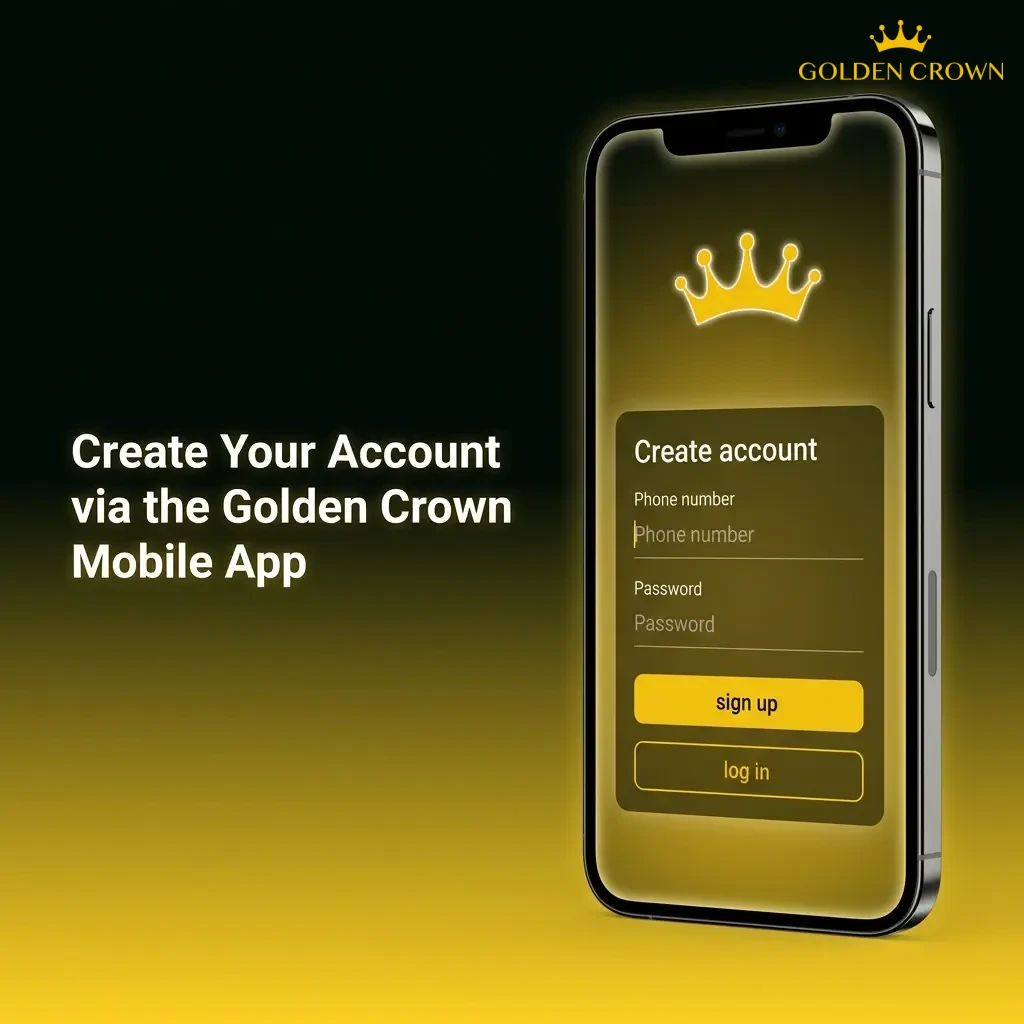
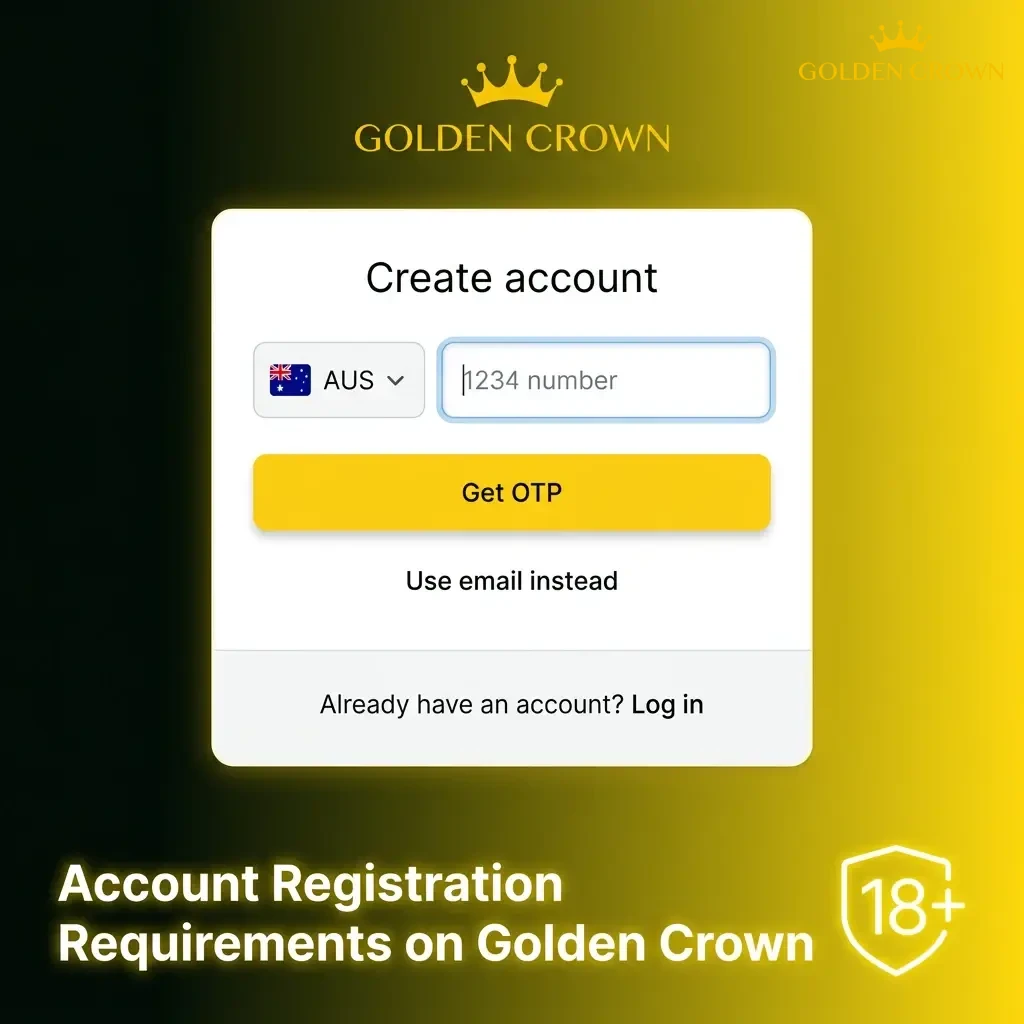
Account Registration Requirements on Golden Crown
Before you begin the Golden Crown registration process, there are a few eligibility requirements you need to meet. All users must comply with Australian laws and the platform’s terms of service. These requirements exist to protect users and ensure responsible gambling standards are maintained. Only one account per person is permitted, and any attempt to create multiple accounts may result in suspension.
- Age Requirement. You must be at least 18 years of age to register and participate in real-money gambling on the platform.
- One Account Per Person. Each user is permitted to hold only one personal account. Duplicate accounts are not allowed.
- Accurate Personal Information. You must provide truthful and up-to-date personal details, including your full legal name, date of birth, and residential address.
- Residency and Legal Compliance. You must confirm that online gambling is legally permitted in your jurisdiction and that you are not accessing the platform from a restricted region.
- Valid Contact Details. A working email address or phone number is required to complete the sign up process and receive important account communications.
How to Log In to Your Golden Crown Account
Once your account is set up, signing in takes only a few seconds from the Golden Crown official website or mobile app. Follow these steps to access your account:
- Click the “Login” button below to go to the sign-in page on the official site.
- Enter your credentials. Enter the credentials linked to your registration method: your email address and password, your phone number and verification code, or your connected social media account.
- Complete two-factor authentication. Complete any two-factor authentication step if you have enabled it for additional security.
- Click “Sign In”. Click “Sign In” to access your personal account and start playing.
Account Verification Process on Golden Crown
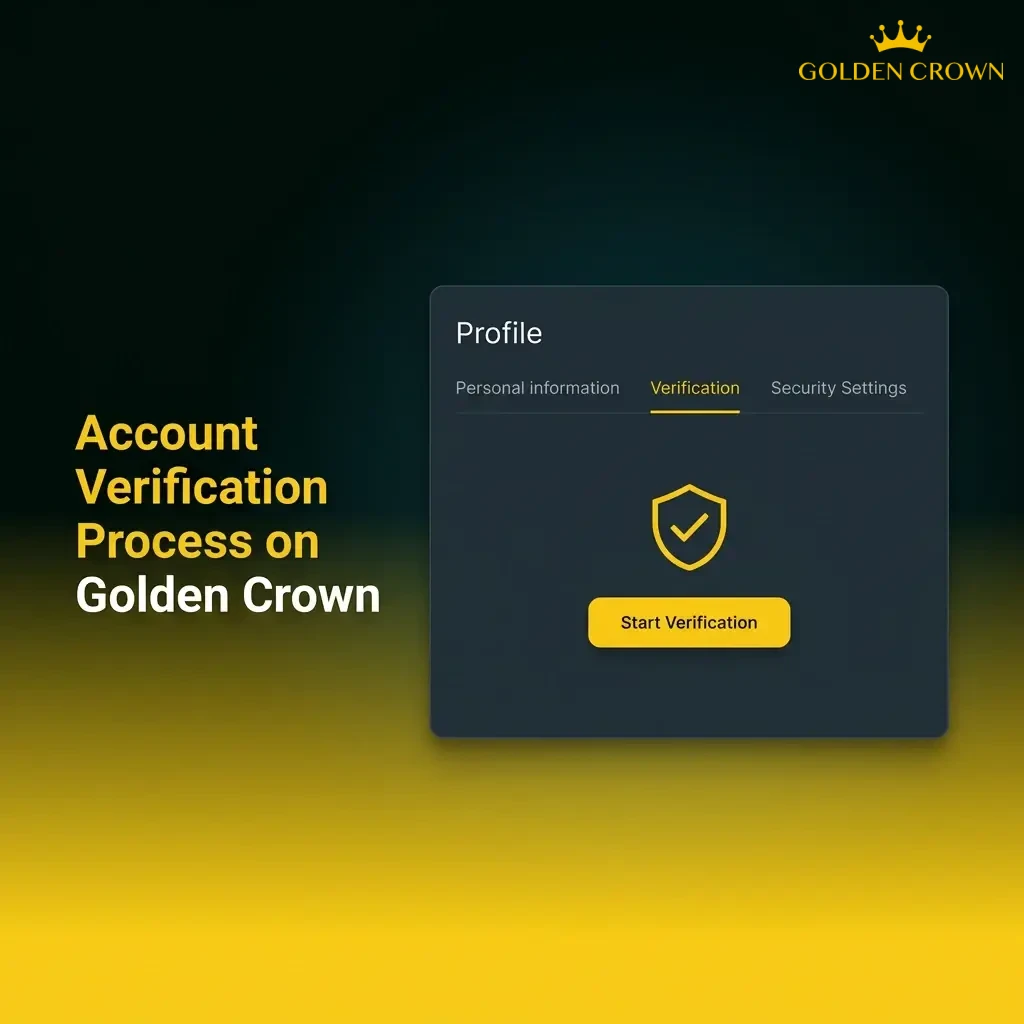
Account verification (KYC) is a mandatory step required by the platform’s licensing obligations and responsible gambling policy. Completing verification allows you to make withdrawals, lift deposit limits, and access the full range of account features. The sooner you submit your documents, the faster your withdrawals can be processed.
- Log In and Go to Verification Settings. Sign in to your personal account and navigate to the profile or account settings section to find the verification area.
- Submit Proof of Identity. Upload a clear photo or scan of a government-issued ID, such as a passport or driver’s licence, showing your full name and date of birth.
- Submit Proof of Address. Provide a recent utility bill, bank statement, or official letter dated within the last three months that shows your name and residential address.
- Verify Your Payment Method. Depending on your deposit method, you may be asked to provide a screenshot or photo confirming ownership of the payment account or card used.
- Await Confirmation. The verification team will review your submitted documents. You will receive a notification once your account has been approved.
Welcome Bonuses for New Players from Australia
New users from Australia are eligible for a welcome package that covers both casino play. After completing the registration and making a qualifying deposit, you can claim a bonus of 100% up to 15,000 AUD plus 300 Free Spins. The offer is split across two categories, giving you the choice to apply your bonus where you prefer. Below are the key details for claiming this bonus.
| Detail | Information |
|---|---|
| Bonus Size | 100% match up to 15,000 AUD + 300 Free Spins |
| How to Claim | Register, make your first deposit, and the bonus is credited automatically |
| Minimum Deposit | Check current terms on the promotions page |
| Wagering Requirements | Applies to bonus funds; refer to full terms on the site |
| Eligible Games | Casino slots and selected table games |
Your Personal Account on Golden Crown
Once registered, your personal account gives you full control over your activity, funds, and preferences on the platform. Here is what you can access as a logged-in user:
- Deposit Funds. Add money to your account using a range of supported payment methods, including cards, e-wallets, and cryptocurrency options.
- Withdraw Winnings. Request payouts directly from your account to your verified payment method, subject to standard processing times.
- Bonus Management. View available bonuses, track active offers, and check wagering progress from a dedicated promotions section within your account.
- Transaction History. Review a complete log of all deposits, withdrawals, and wager activity tied to your account.
- Game History. Access a full record of your casino sessions, including bets placed and outcomes for slots, table games, and live dealer games.
- Account Security Settings. Update your password, enable two-factor authentication, and manage connected login methods to keep your account secure.
- Responsible Gambling Tools. Set deposit limits, cooling-off periods, or self-exclusion options directly from your account settings.
- Personal Details and Verification. Update your profile information and submit KYC documents through a dedicated verification section within your personal account.
How to Delete Your Personal Account
You may decide to close your account for personal reasons or as part of a responsible gambling decision. If you need to take a break rather than permanently delete your account, consider using the self-exclusion or cooling-off tools available in your account settings first.
- Log in to your personal account and navigate to the account settings or responsible gambling section.
- Look for the account closure or self-exclusion option and select the permanent deletion request.
- Follow the on-screen prompts to confirm your identity and submit the account deletion request.
- If no self-service deletion option is available, contact the customer support team directly via live chat or email, state your request clearly, and allow time for the team to process the closure in line with the platform’s standard procedures.
Frequently Asked Questions About Golden Crown Registration
How long does the Golden Crown registration process take?
The sign up process typically takes under five minutes. One-click registration is the fastest option and creates your account almost instantly. Methods using email or phone number may take slightly longer due to the verification step.
Can I register if I am located in a state with gambling restrictions in Australia?
You must ensure that online casino is legally permitted in your state or territory before registering. It is your responsibility to comply with the applicable laws in your location.
Is it safe to provide personal documents for account verification?
Yes. The platform uses encryption and secure data handling to protect your submitted documents. Verification is a standard process required by the platform’s licensing obligations, and your information is used solely for identity confirmation purposes.
What currency should I select when creating a new account?
Australian players should select AUD as their account currency during registration. This ensures your deposits, withdrawals, and bonus amounts are all displayed and processed in Australian dollars.
Can I change my registered email address or phone number after sign up?
Yes. You can update your contact details from within the personal account settings section. In some cases, you may need to complete an identity check before changes are applied to ensure the security of your account.
Updated: